Business automations
Invoice Processing AI
Supplier invoices read, checked and ready to approve.
Try the demo ↓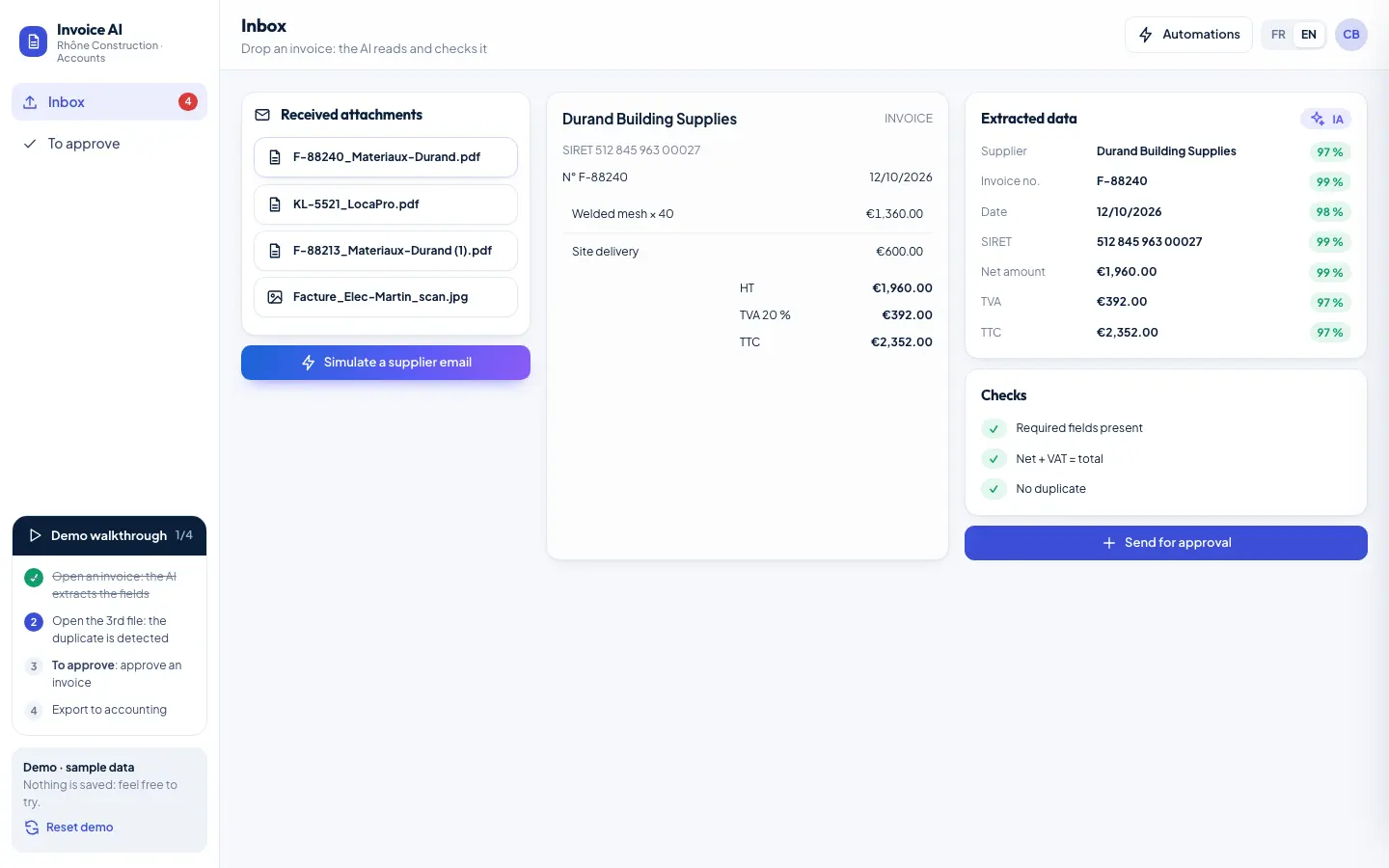
Businesses receive PDF or scanned invoices that have to be opened, retyped and checked by hand. It's slow, and a duplicate invoice or a VAT error slips through easily.
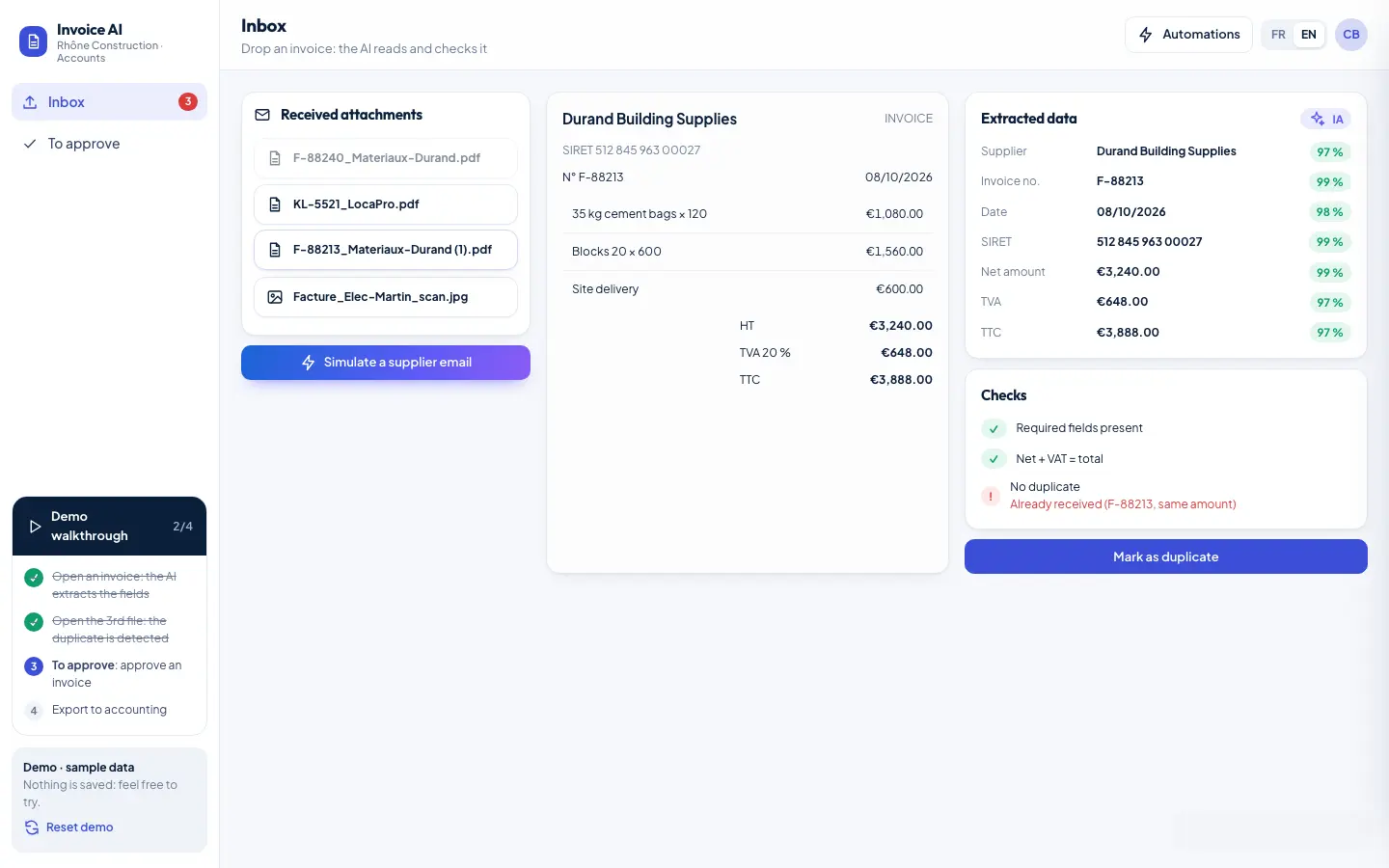
- Invoice drop zone
- Extraction: supplier, date, amounts, VAT
- Required-field checks
- Duplicate detection
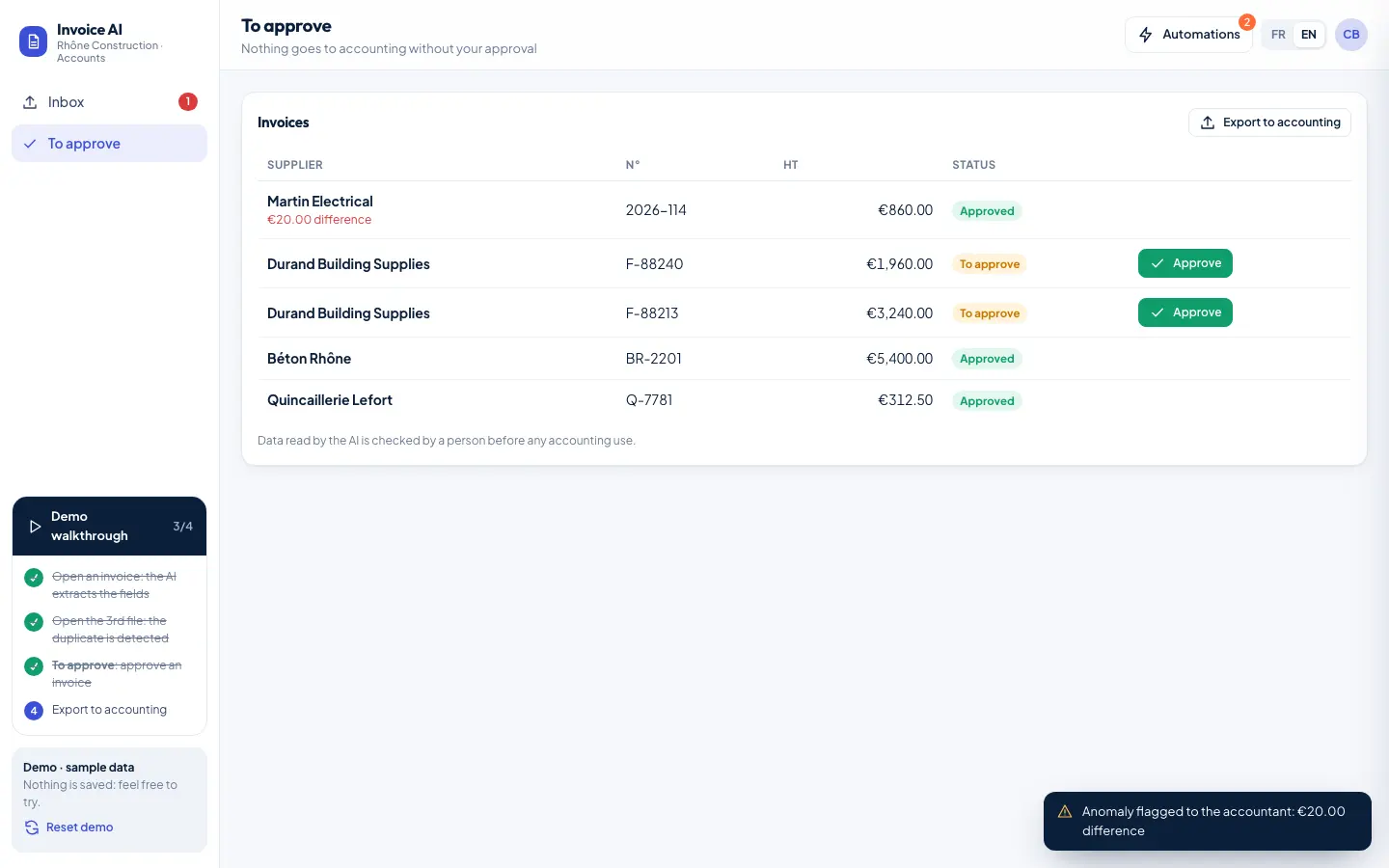
- Tracking table of invoices to approve
Document classification and extraction of the useful information, with a confidence level for each field.
Try it here: everything is clickable.
Sample data, simulated AI answers. Follow the demo walkthrough in the left bar, and open “Automations” to watch the n8n workflows fire.
How the interface, the data, the AI and the automations work together.
n8nThe n8n workflow
- Invoice received by email
- Extract the data
- Check
- Save
- Alert on anomaly
The gains expected if the system is put in place. These are goals, not measured results.
Less data entry
Fields are filled in automatically.
Fewer errors
Totals, required fields and duplicates are checked.
A clear workflow
Every invoice has a status until export.
Extracted data is checked by a person before any accounting use.
Demo screens